
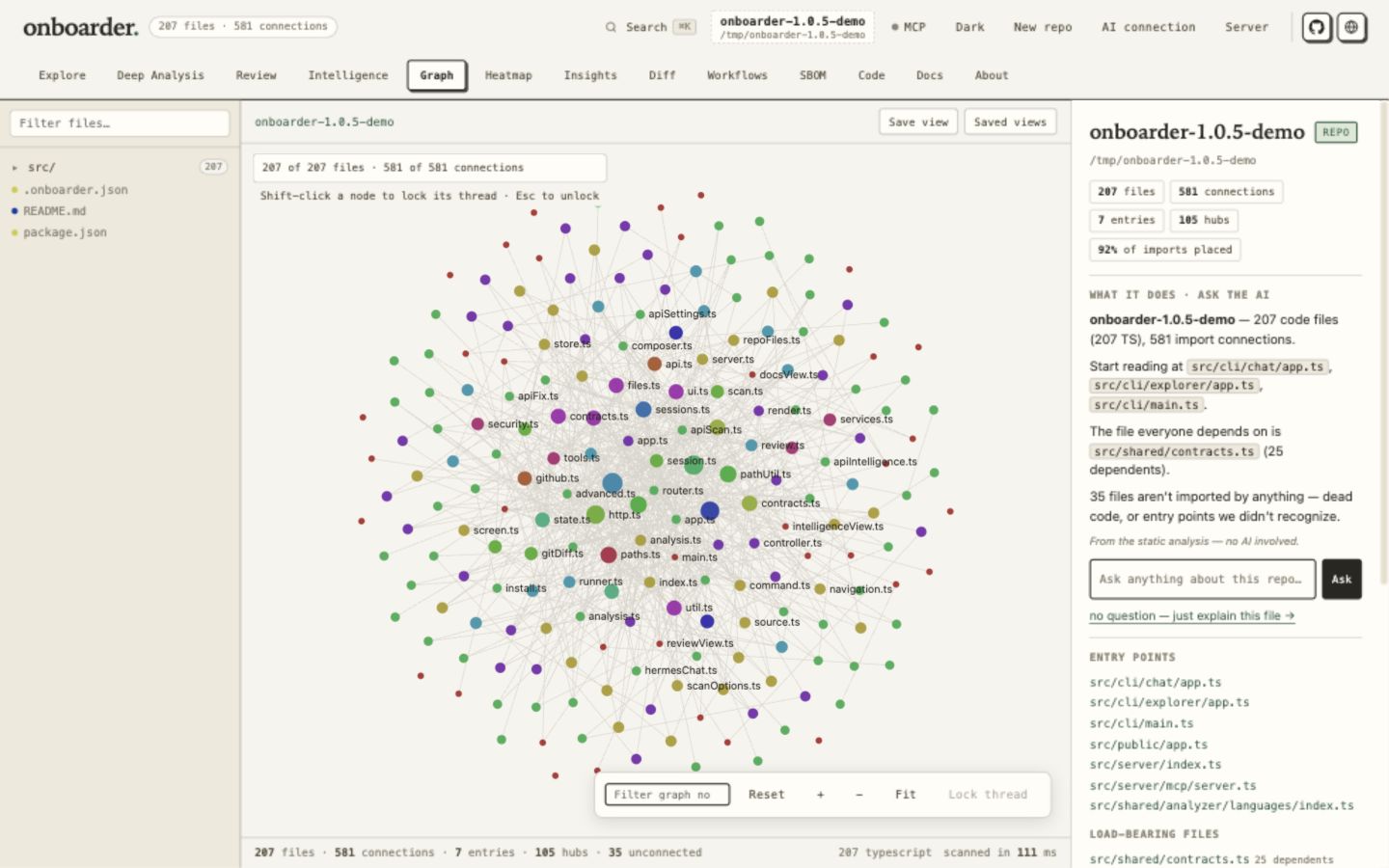
Open Graph after loading a repository. The view shows import relationships and displays the number of files and connections currently visible.
Stable and responsive#
The graph uses deterministic placement instead of a continuous physics simulation. It redraws after interactions and source changes, then becomes idle. Canvas memory, connection drawing and labels have explicit limits; hovering fades unrelated items without expensive blur.
Search the whole repository#
Large repositories start with at most 700 files and 1,800 connections. The visible totals disclose this limit. Search still covers every scanned file and shows immediate dependency context, including files absent from the initial overview. The display limit does not remove source files or change the scan.
Trace and lock#
Hover a node to see its incoming and outgoing connections. Shift-click a node to lock its thread. Press Escape to unlock. The Lock thread button provides the same action. Click a node to inspect the file; double-click centers it. Drag a node or pan the canvas without accidentally opening a file.
Zoom and resize#
Use the wheel or zoom buttons to inspect details. Fit shows the visible scene; Reset restores stable placement. An untouched graph refits when the viewport changes. After manual zoom, resizing preserves its scale and world center. Switching views and unchanged source refreshes preserve positions.
Static evidence#
Graph links come from resolved imports. They do not prove runtime execution, complete dynamic calls or measured coverage. See repository intelligence for semantic references, impact, measured coverage and imported runtime samples.